Track and trace
Looks like we may need some more details for this parcel/s…
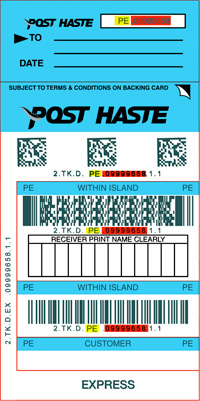
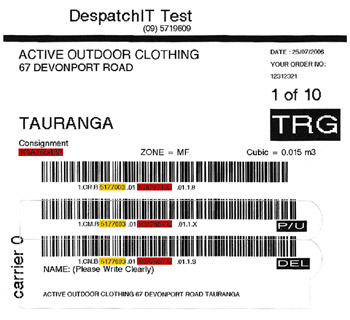
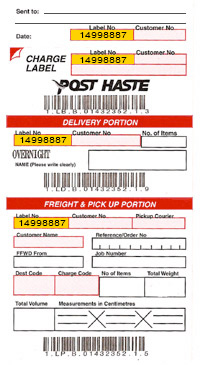
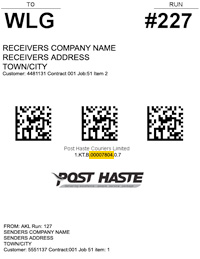
Select the item you wish to track from the options below. If you are not sure what type of item you have you can click on the ticket images below for more information and examples.
If you have any queries, please contact your local branch.
Customer Printed Labels (incl. Despatch IT Labels)
To search for your item, enter your account number and Consignment Number from your Ticket. (eg: 999965899 and 1234567890) and then click ‘Track‘.
Show sample ticketCourier Tickets / Packs
To search for your item, enter the code and number from your Ticket or Express Pack Satchel. (eg: PE 09999658) and then click ‘Track‘.
Show sample ticketBar Code
To search for your item, enter the numbers below the Barcode.
Manifest Reference
To search for your item, enter the Manifest Customer Number, Reference and Dates.
Contract Bags
To search for your item, enter your contract Bags Serial number and From / To dates. (eg: 00007804) and then click ‘Track‘.
Show sample ticket